
iOS 1.0.0
Released August 7, 2026 · Requires iOS 26.0 or later
Okojo for iOS 1.0.0 Released
Markdown reader for iPhone and Mac
Okojo for iOS 1.0.0 is now available on the App Store. Version 1.1.0 for Mac is available from the same App Store page.
A simple, free Markdown reader for iPhone and Mac that lets you view Markdown, TXT, and CSV files.
Reader
Okojo is made for reading documents. It does not edit or save changes to the original file.
Versions
Released August 7, 2026 · Requires iOS 26.0 or later
Released July 31, 2026 · Requires macOS 26.0 or later
Files
.md, .markdown
.txt
.csv
Features
Use Markdown headings to move through documents on iPhone and Mac.
Find words and phrases in the current document on iPhone and Mac.
Adjust the theme, font, and text size for comfortable reading.
Return to documents you opened before on iPhone and Mac.
Save your reading position and restore it the next time you open the file.
Copy individual code blocks from Markdown content on iPhone and Mac.
Open supported files using file pickers and OS file actions.
Open several documents and switch between them on Mac.
Print documents or save them as PDF files on Mac.
Use guidance and Settings controls to open .md and .markdown files with Okojo.
Screenshots
Okojo is a read-only viewer for both iPhone and Mac. Explore how it looks and works on each platform.
For iPhone
Read Markdown, TXT, and CSV comfortably on iPhone. Scroll horizontally to explore the screens.
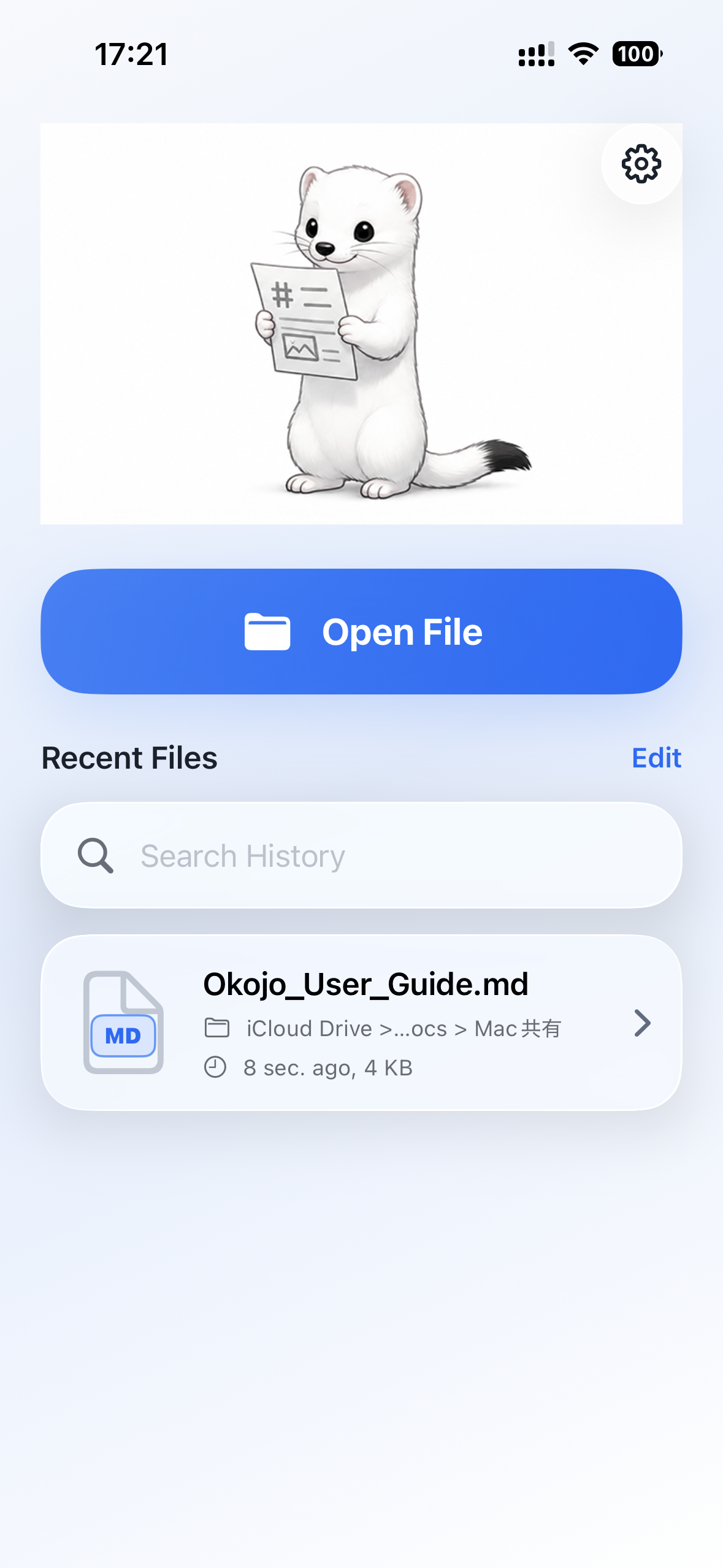
Choose a file to read and quickly return to recently opened documents.
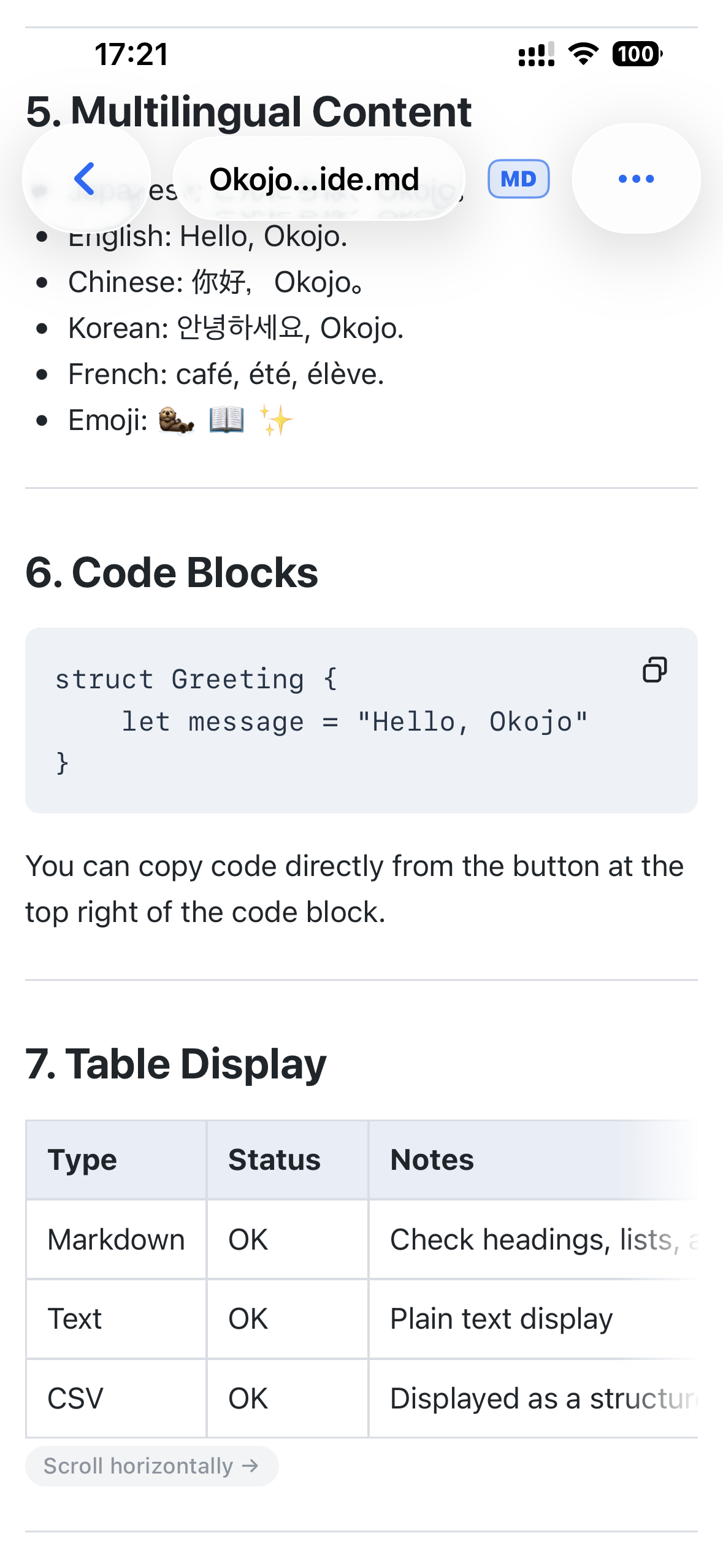
View headings, lists, code blocks, and tables in a readable layout.
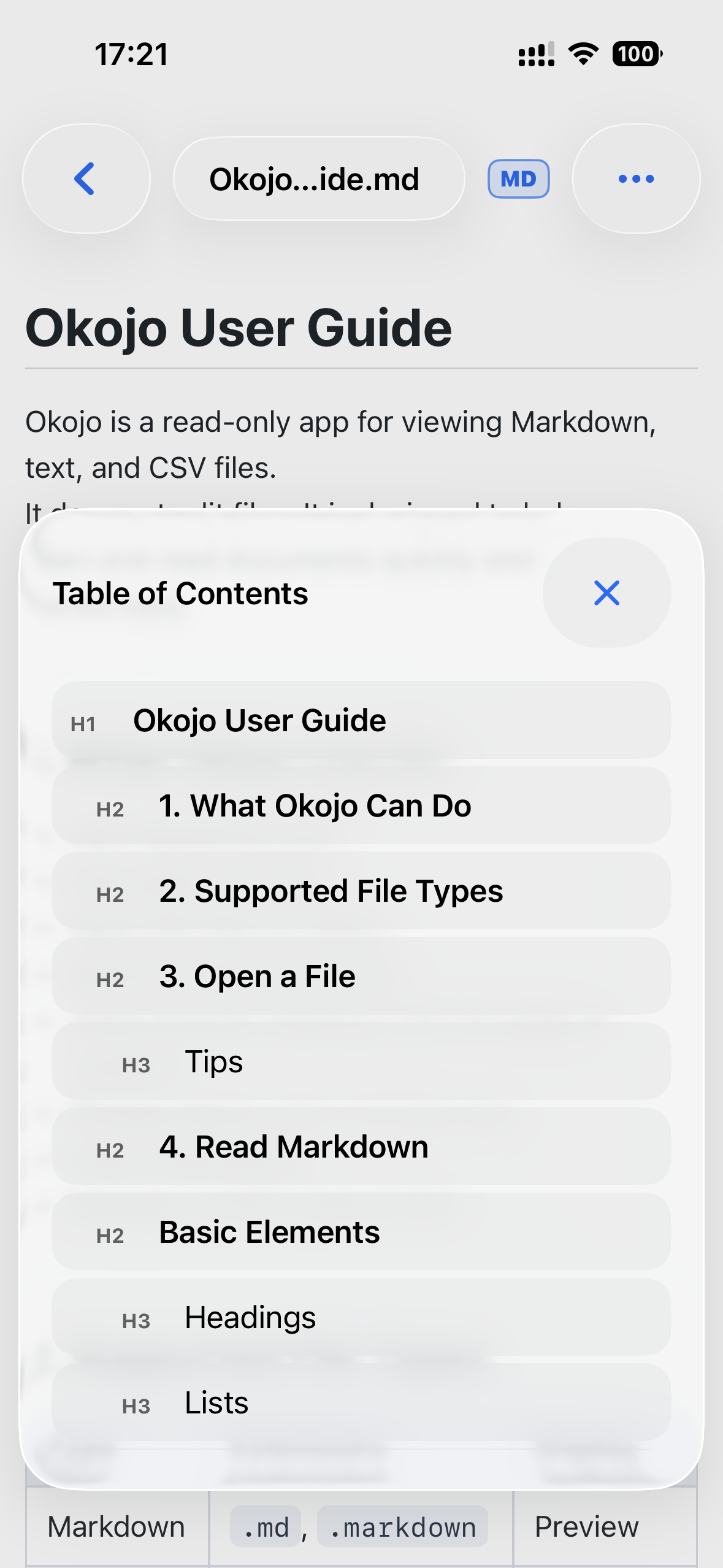
Move directly to the heading you need in a longer Markdown document.
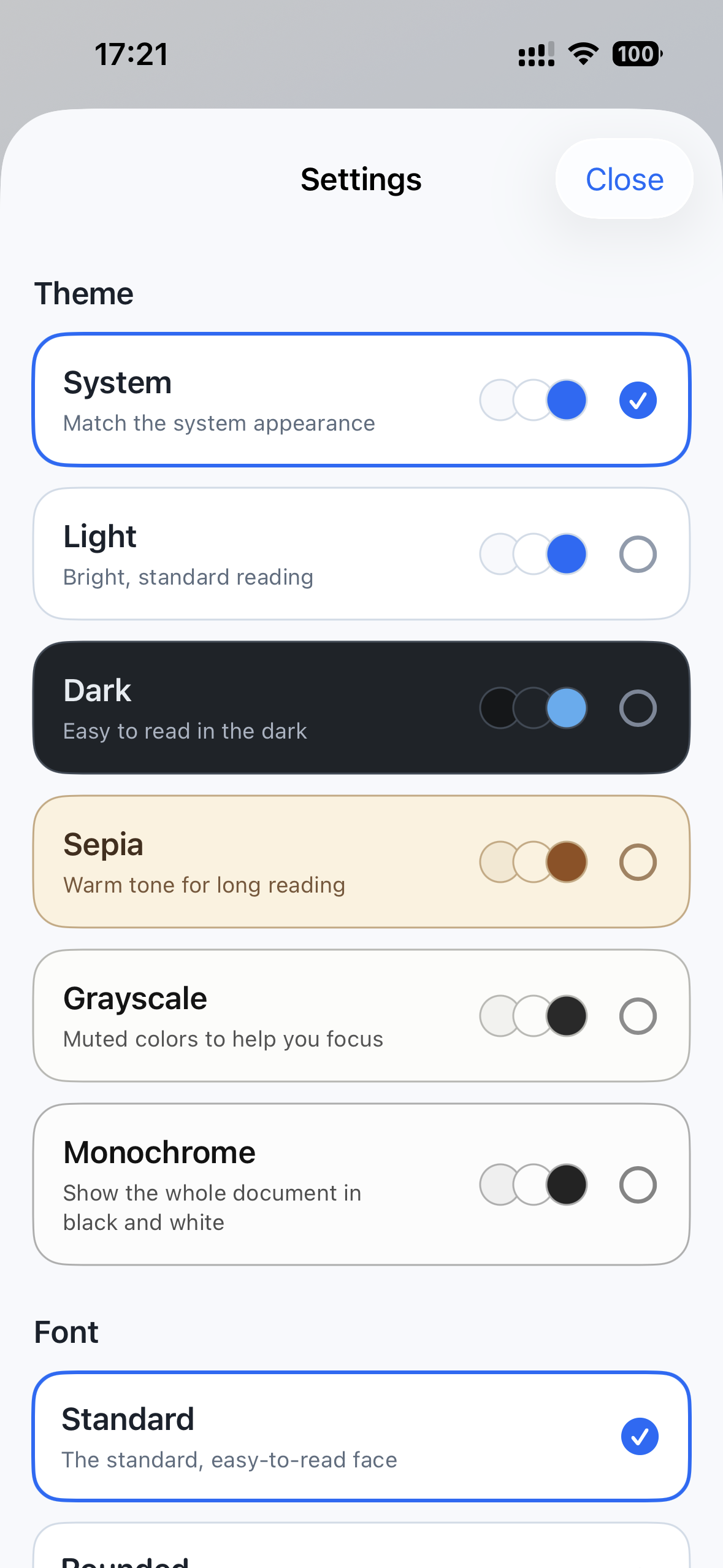
Choose the theme, font, and text size that feel comfortable to read.
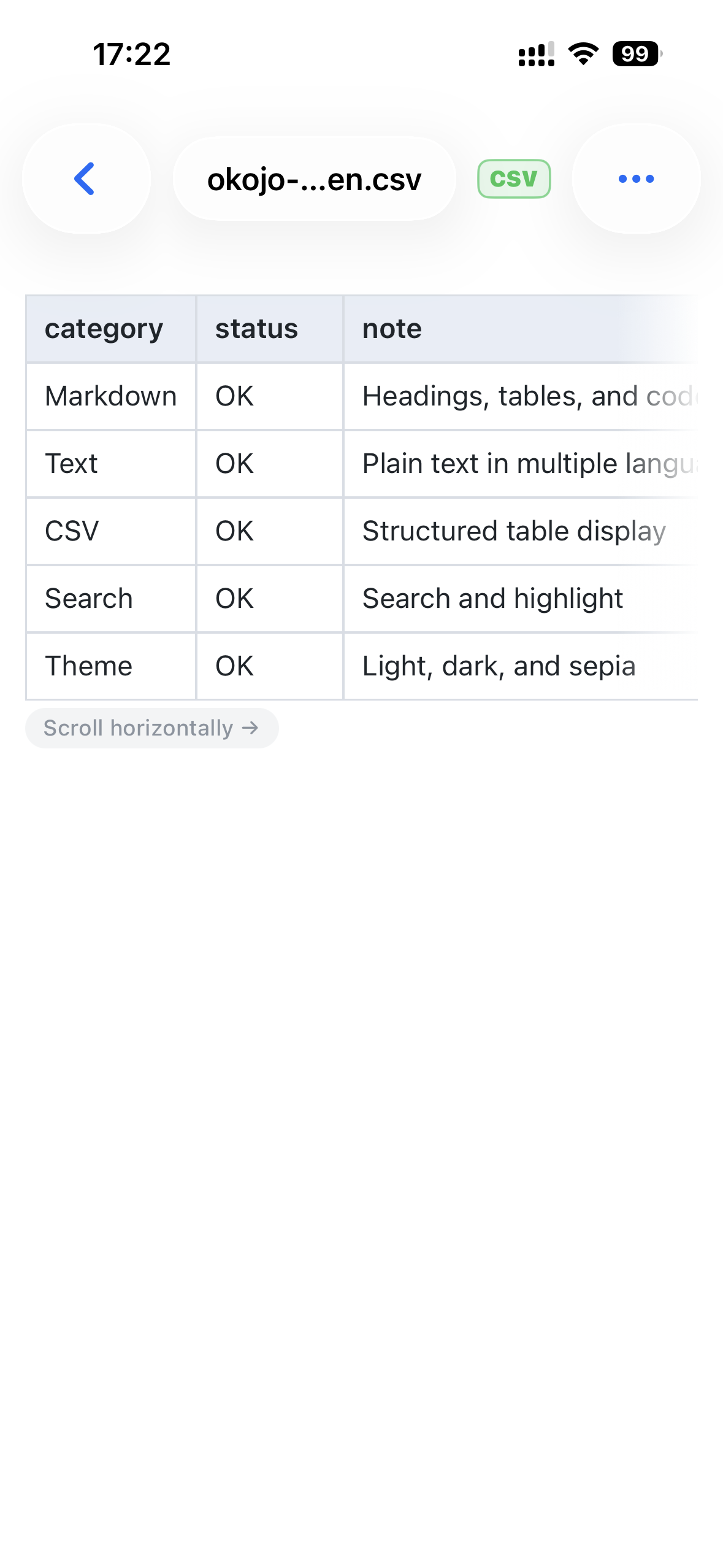
Keep CSV rows and columns readable in a cell-based table view.
For Mac
Use the larger screen and multiple tabs to read documents comfortably on Mac.
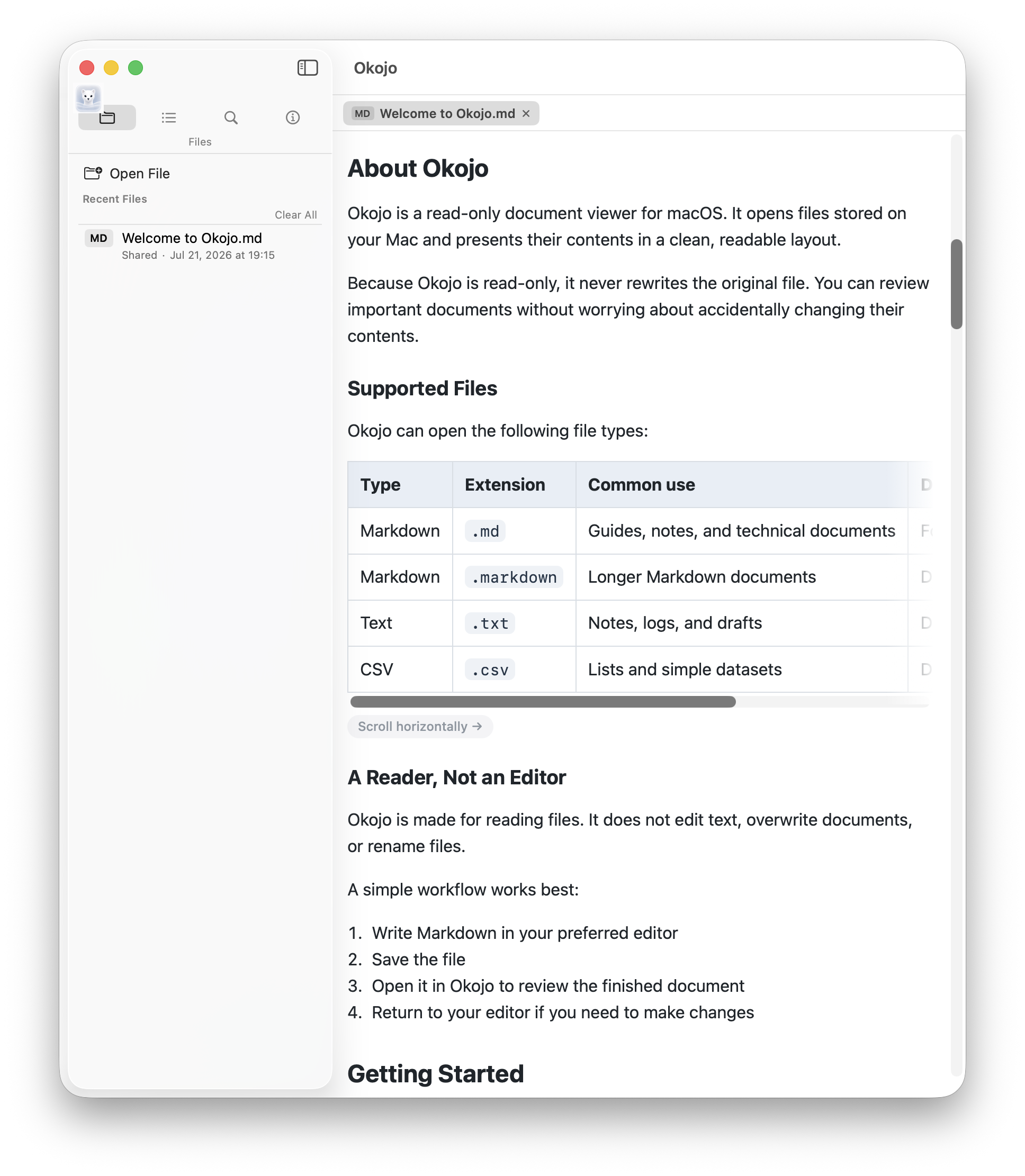
Read Markdown documents in a calm window sized for comfortable scanning.
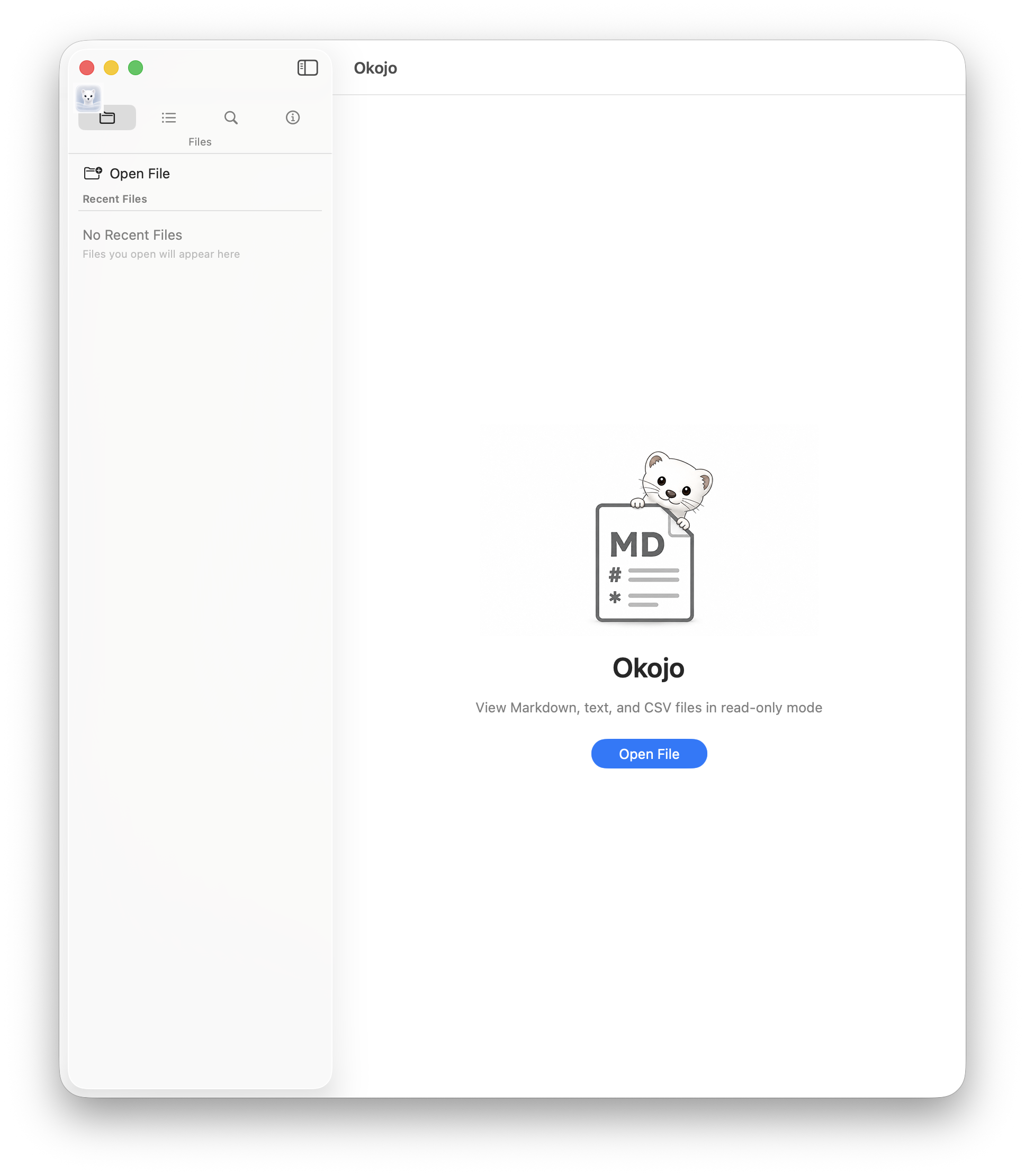
Start from a simple welcome screen and choose the file you want to read.
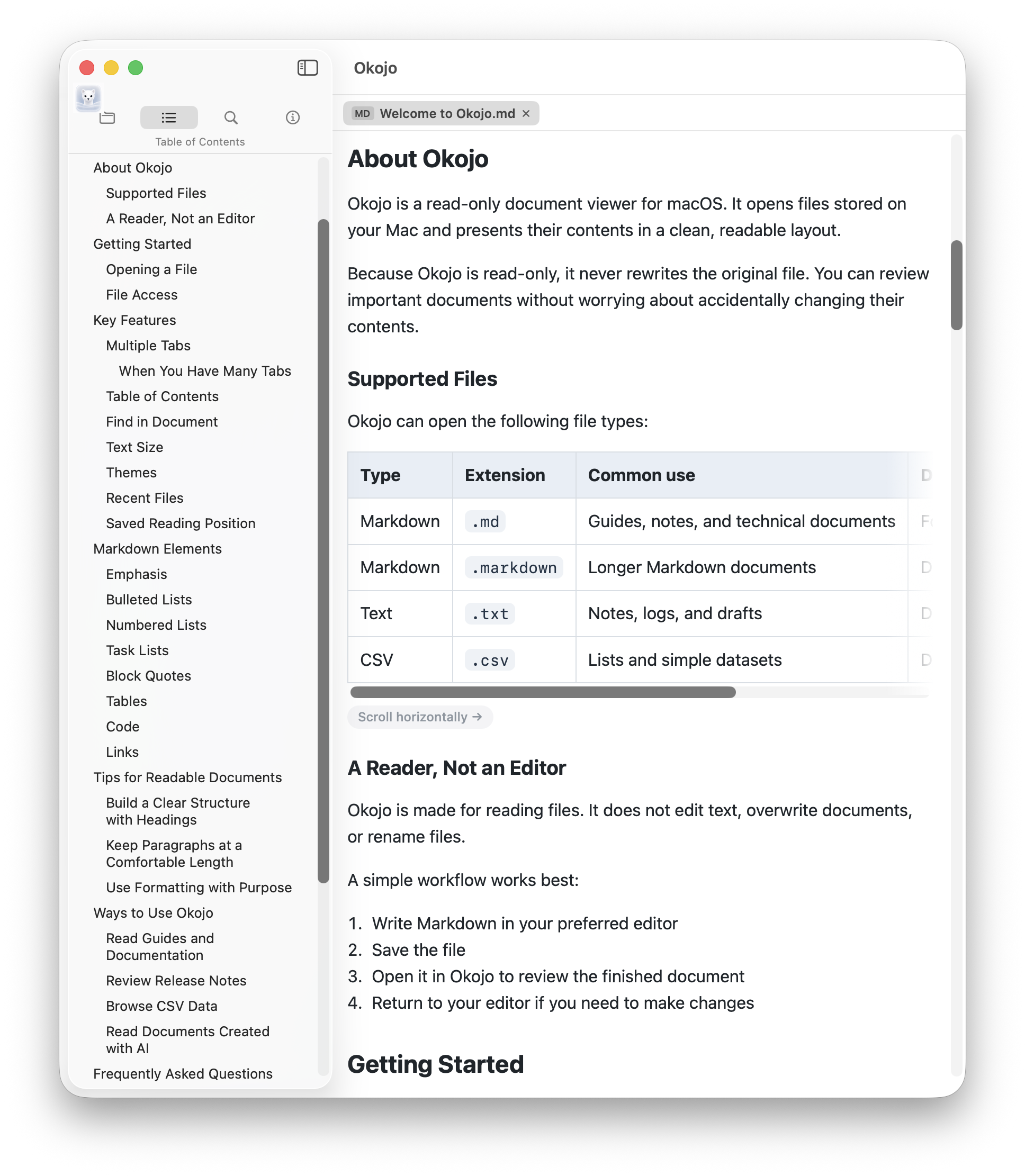
Follow the heading structure and move through longer documents.
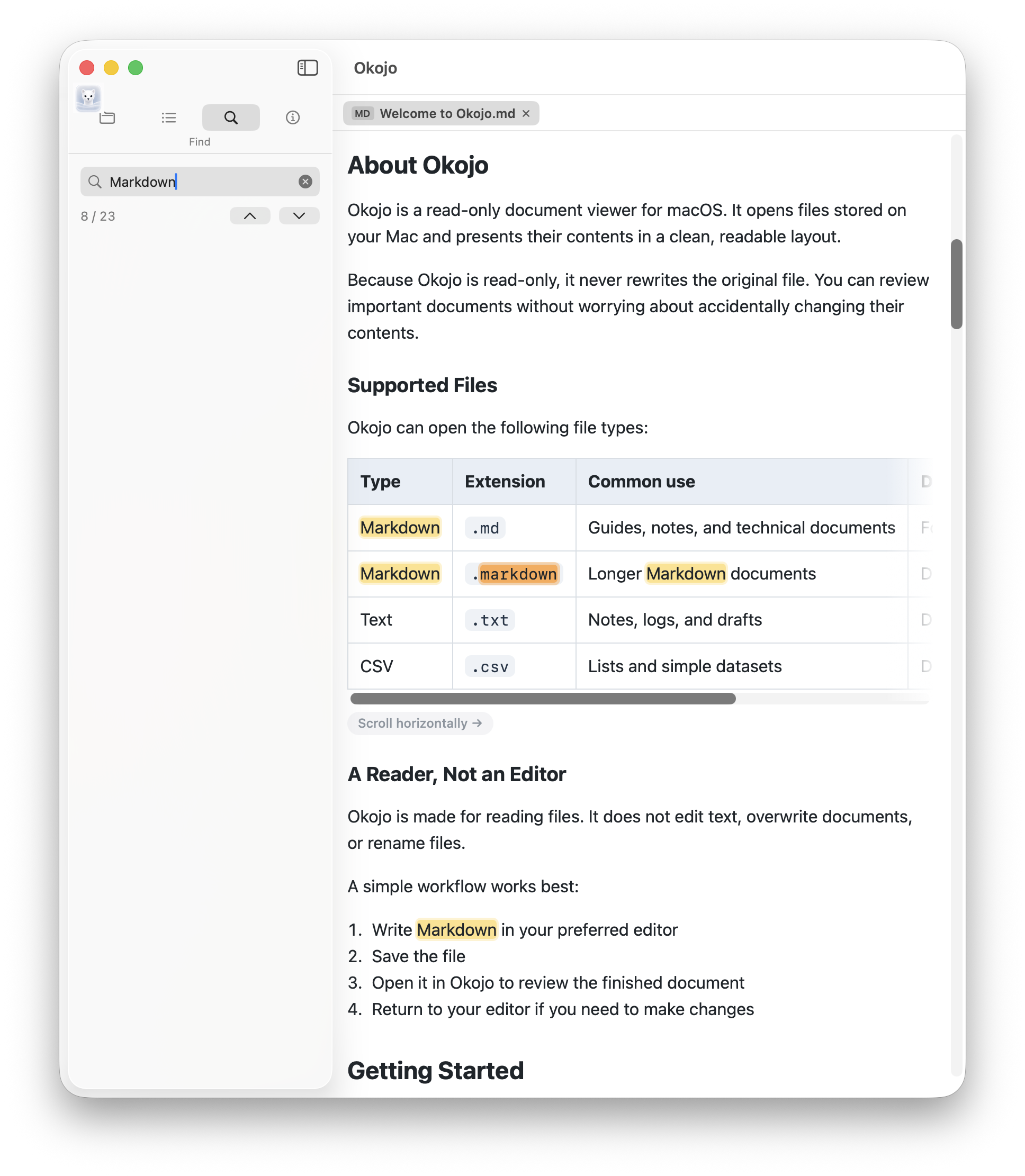
Find words in the current document and review highlighted results.
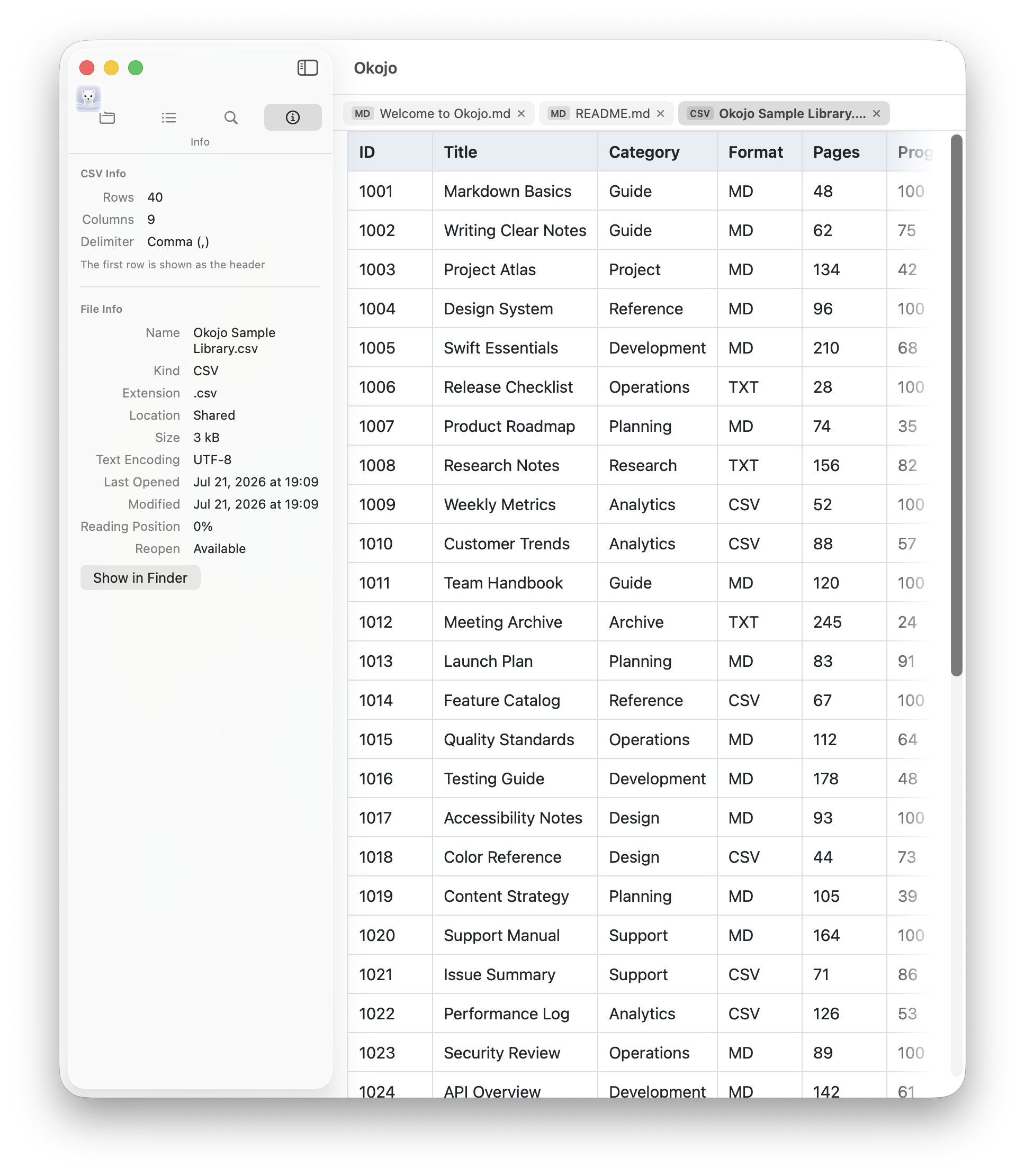
Open documents and CSV files side by side, then switch between tabs.
Website
Find help, privacy details, release notes, and the contact form.
Learn basic usage and common answers.
Review how information is handled.
Check changes in published versions.
Support
The help page covers the basics and common questions. You can send problem reports and suggestions through the contact form.